What an architectural animation delivers
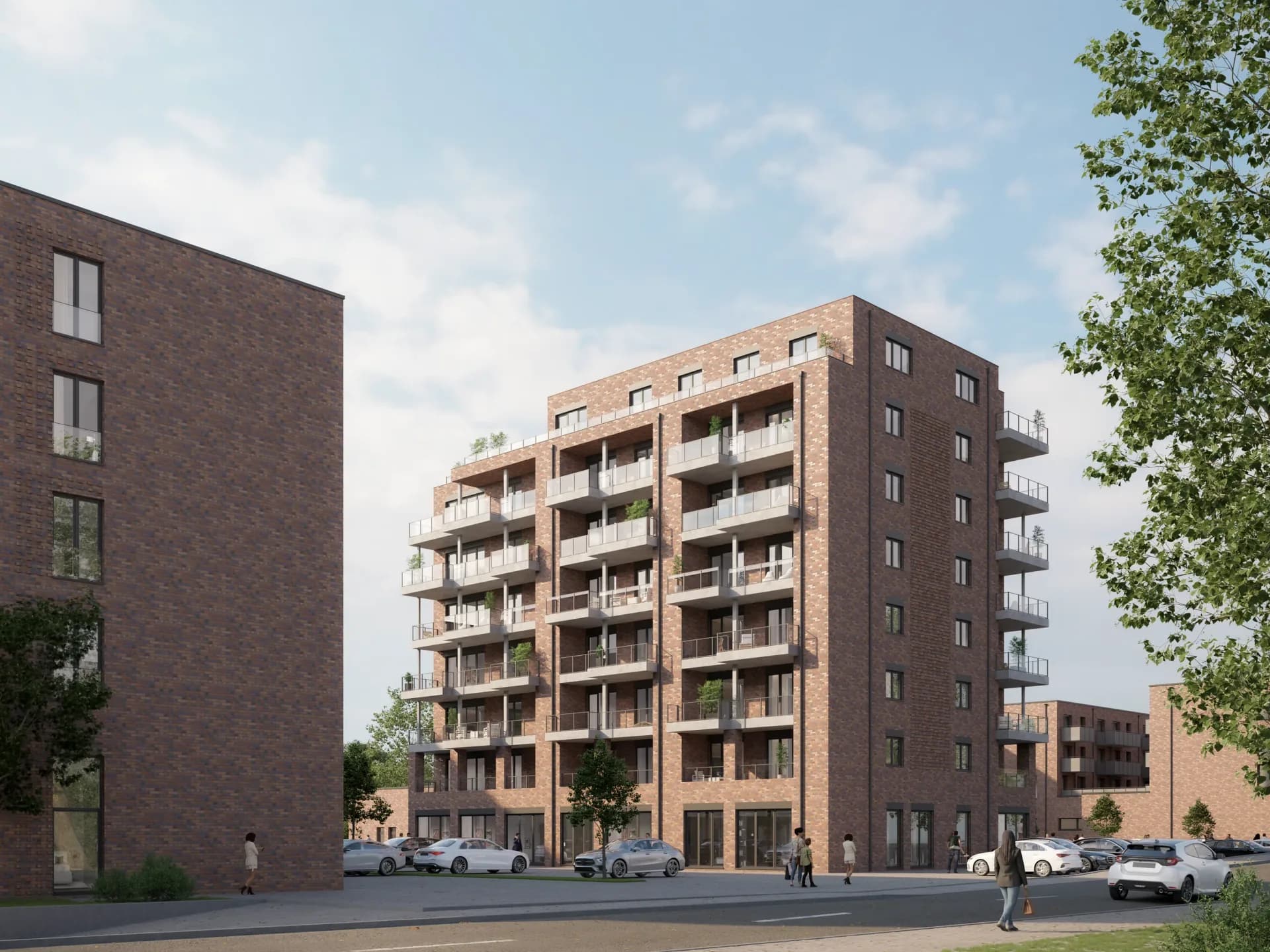
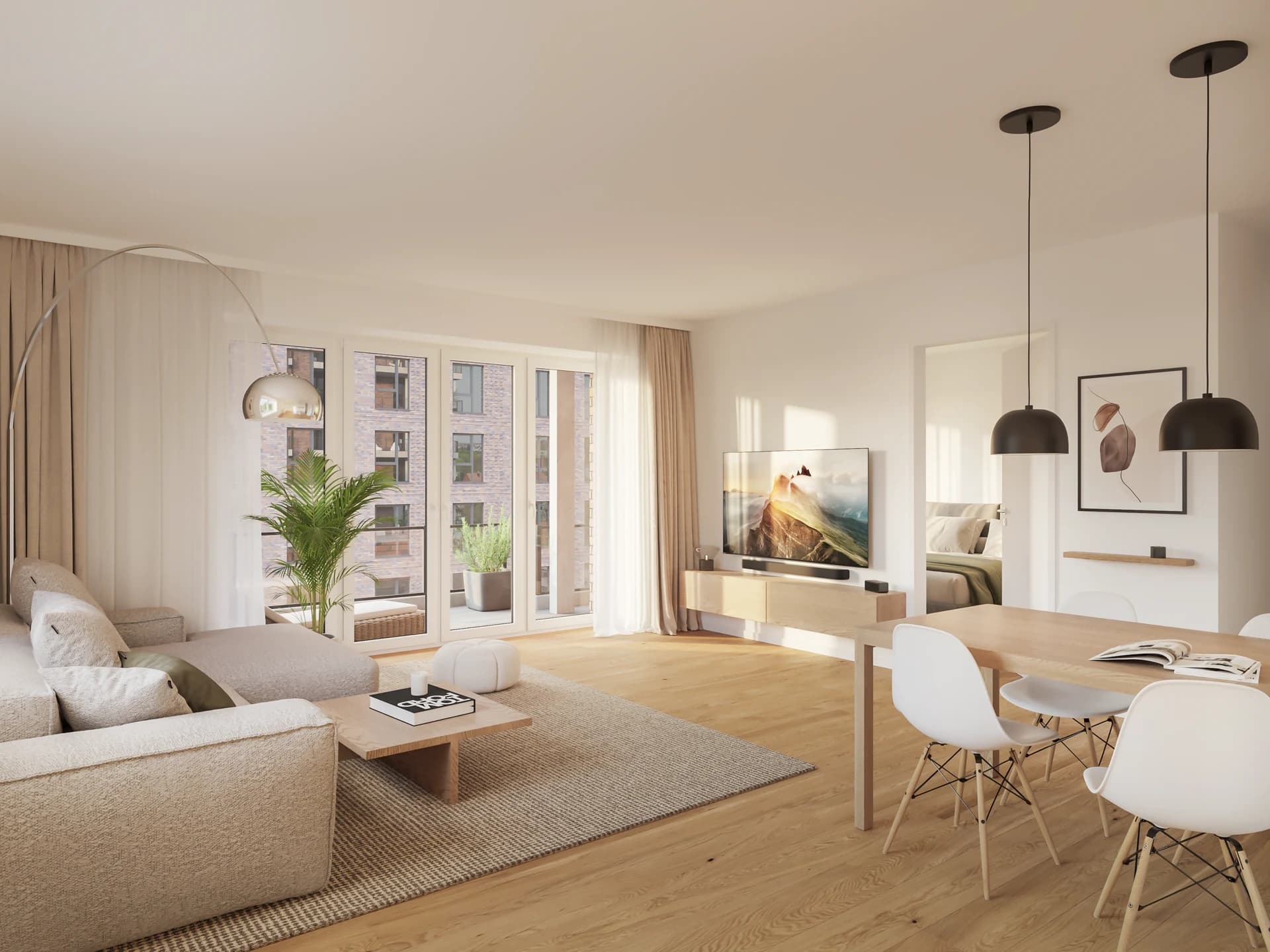
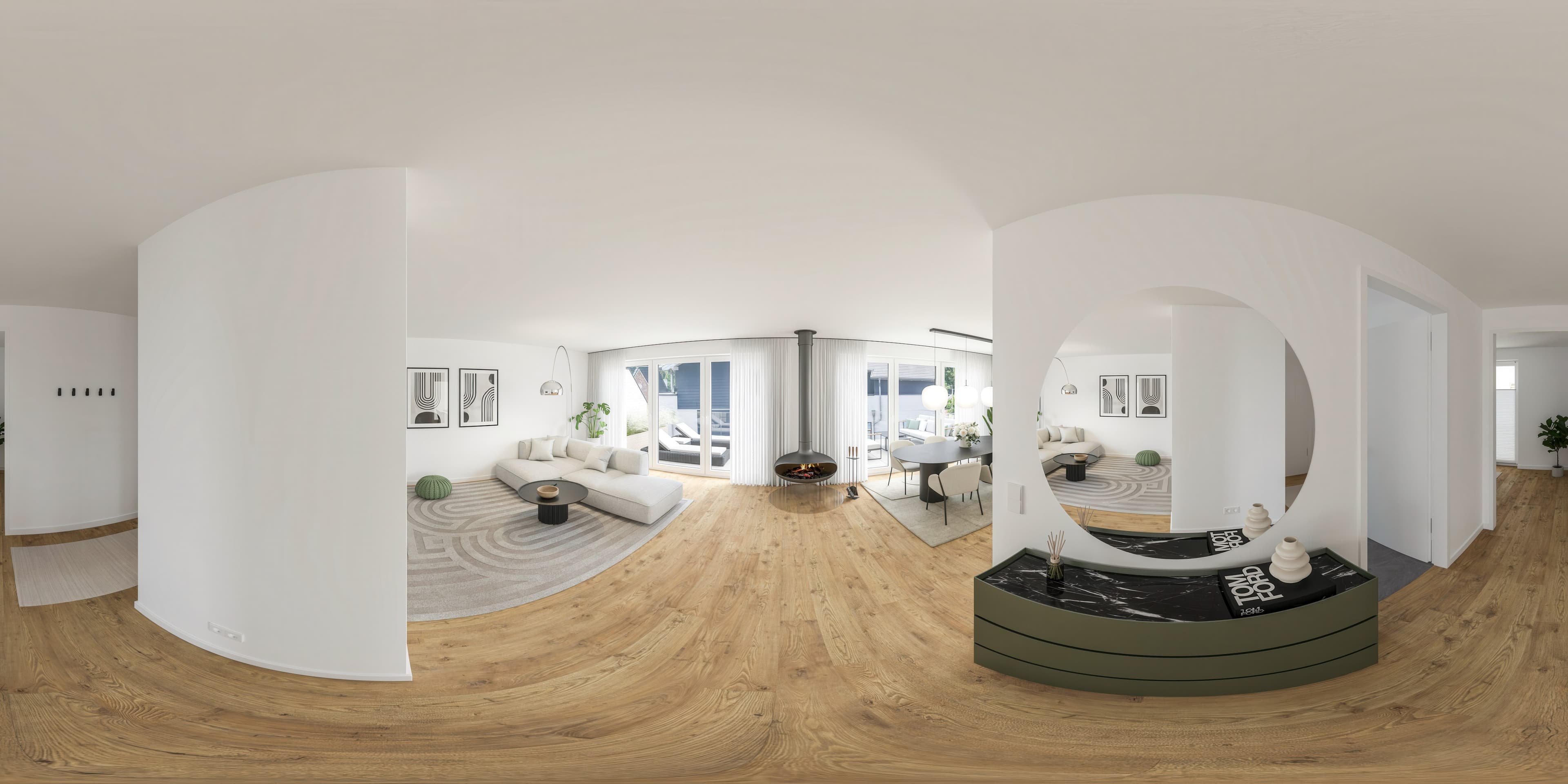
A still image shows one perspective, a video shows the project in context: the camera travels along the facade, sweeps across the garden, or moves from the living room onto the terrace. Within seconds, a sense of scale, setting, and atmosphere emerges that single images cannot deliver.
For marketing, this means: short vertical clips are the format that gets seen on Instagram and LinkedIn, and a walkthrough guides buyers and investors through the project without anyone having to read plans.
The basis is the existing 3D model from the visualization, so the project doesn't need to be rebuilt for the animation. Camera path, length, and format follow the intended use: vertical 9:16 for reels, horizontal 16:9 for website, portal, and presentation.
Where architectural animations are used
Instagram, LinkedIn, and TikTok
Short clips of 10 to 15 seconds for reels and posts, built vertically and readable without sound. One project yields several clips: exterior pass, living space, detail.
Listing portals and websites
ImmoScout24 supports video embeds. A 30-second walkthrough gives your listing something competing still-image ads don't have, showing the unit as a whole rather than in fragments.
Marketing and investor presentations
Longer walkthroughs (1 to 2 minutes) for pitches, roadshows, or sales meetings. They translate the design for stakeholders who don't read plans.
Architectural competitions
Moving entries complement renderings and plans, especially for larger or complex projects that aren't fully readable in a still image.
How an animation is made
Three steps, typically one to two weeks. Prerequisite is final renderings or a sign-off 3D model.
Storyboard
We work out length, camera path, and key frames together, based on purpose (social, web, presentation).
Animation and edit
I animate the camera path in the 3D model, render the sequences, and edit the video with transitions. Optional subtle sound on request.
Final
After your sign-off, you receive the video in the agreed formats: vertical for reels, horizontal for web and presentation.
Good to know
Does the project have to be rebuilt for the animation?
No. The basis is the existing 3D model from the visualization. If final renderings or a signed-off model exist, the camera path can build on them without remodeling the project.
Does the animation include sound?
A subtle soundtrack on request. The clips are deliberately built to work without sound too, since videos in social feeds are often played muted.
What do you need to start the animation?
Final renderings or a signed-off 3D model of the project. Once the model is set, we work out length, camera path, and key frames in the storyboard before animating.
Related to this service: