What a 360° panorama delivers
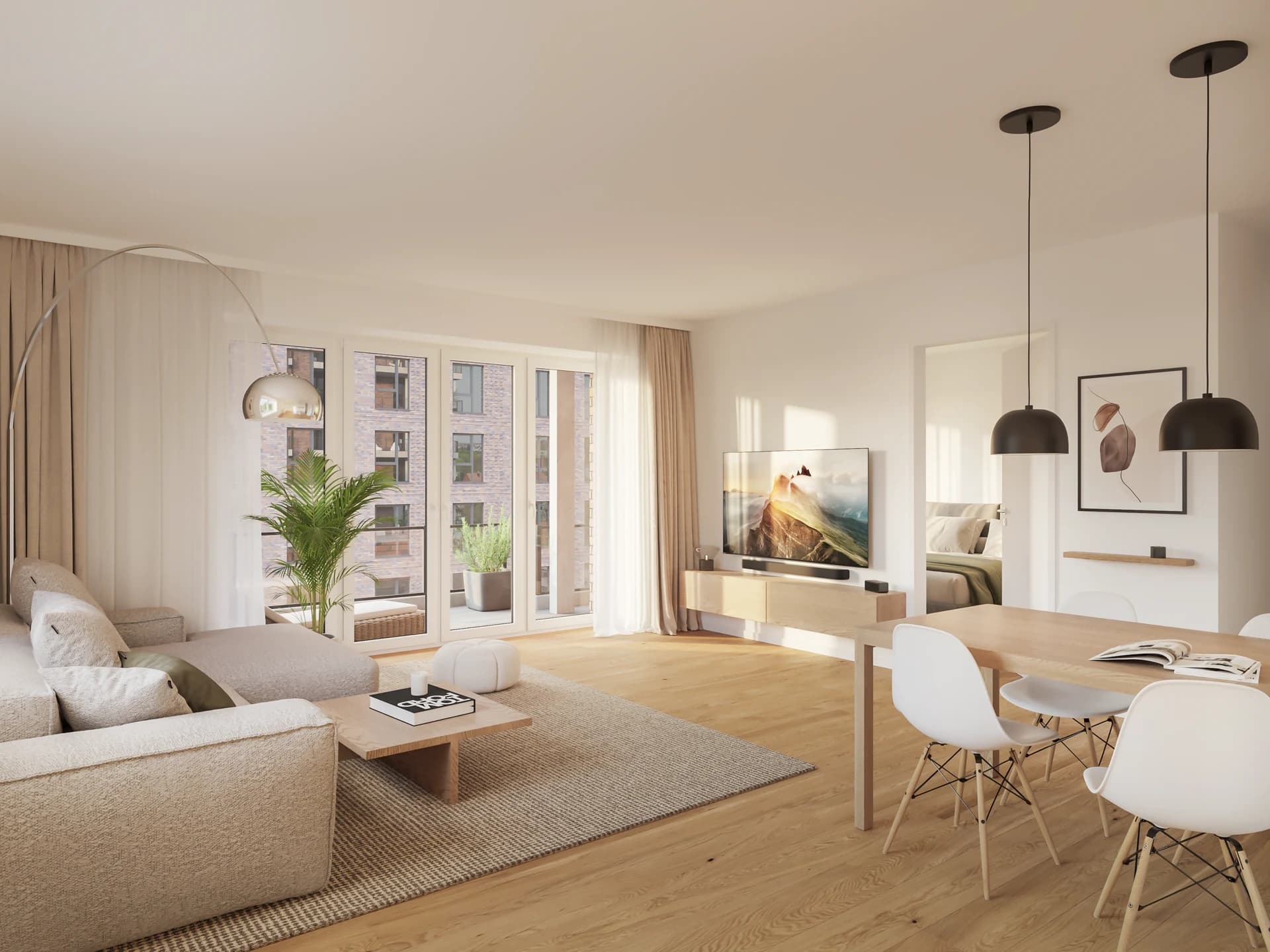
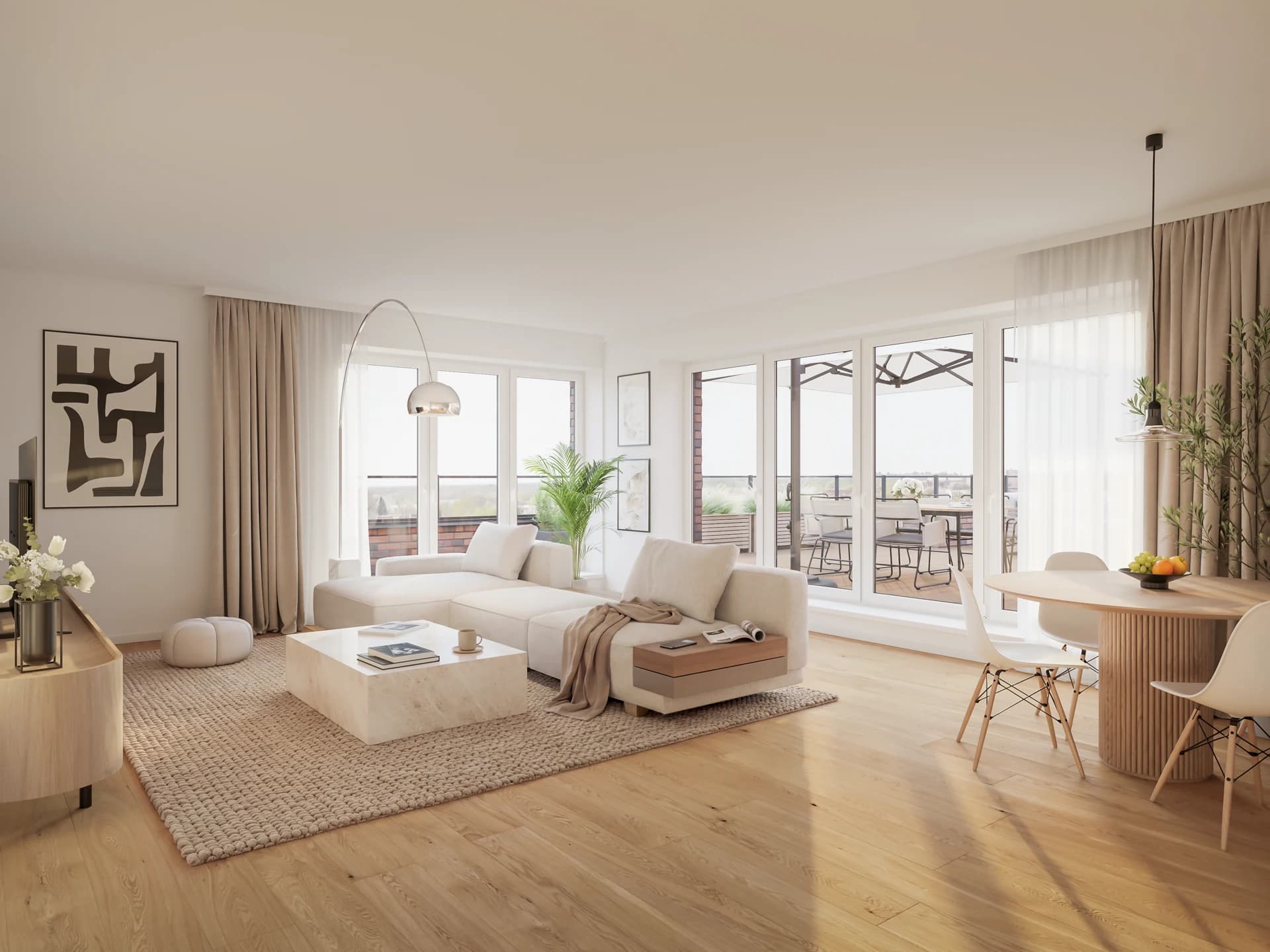
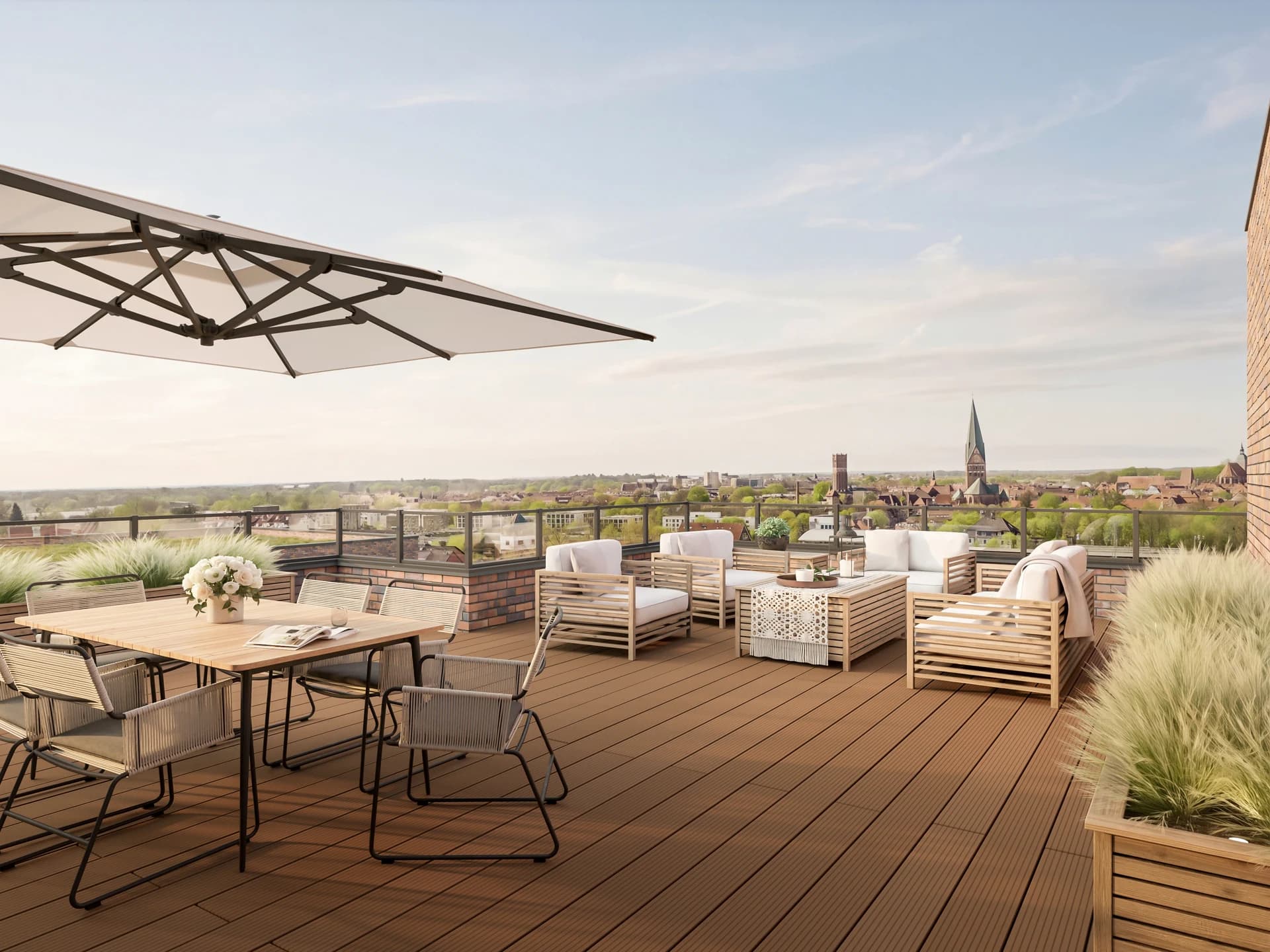
A 360° panorama makes a room navigable online. Instead of seeing isolated views, the viewer turns through the space: ceiling, floor, every wall. This conveys a realistic sense of space that single renderings cannot reach.
The panorama runs directly in the listing portal viewer or on your website, no plug-in needed. 8K resolution so the image stays sharp in full-screen.
Where 360° panoramas are used
Listing portals such as ImmoScout24
ImmoScout24 supports 360° panoramas directly in the exposé. Prospects stay longer in a listing when they can actively turn through the space, instead of just swiping through photos.
Your website and exposé PDFs
You embed the interactive viewer on your project page. In the PDF, a static key image plus a link to the online version.
Developer marketing before completion
A model apartment doesn't need to exist physically to be digitally walkable. You let buyers experience the space before construction begins.
Showrooms and concept presentations
Planned showrooms, practices, or retail spaces as 360° previews for investors or concept alignment.
How an image is made
Four steps, around two to three weeks from full data handover.
Briefing
You send the plan set (site plan, floor plans, elevations, sections) and references. We agree on scope and visual direction.
Clay renderings
First untextured drafts establish perspective, proportion, and light. Here we decide which views are taken further.
Material development
Based on the chosen perspectives, color drafts emerge with materials, vegetation, and atmosphere. One feedback round is included.
Final
After the last sign-off, the images are final-rendered and delivered in the agreed resolution.
Good to know
How does a 360° panorama differ from an architectural animation?
In a panorama the viewer is in control, turning freely around a fixed vantage point. An animation is a finished video with a predefined camera path. The panorama is interactive and tied to a spot; the animation shows a guided movement.
Does the viewer need an app or plug-in?
No. The panorama runs directly in the browser, with the mouse on desktop and by swiping on a phone. No app or plug-in is required.
Does the apartment already have to exist?
No. The panorama is created from the 3D model. A planned room can be walked digitally before construction, without a show apartment having to be built.
Related to this service: